Move your Chrome extensions to Safari
Viaduct reads the extensions you already have in Chrome and other Chromium browsers, converts the ones you pick and brings their settings along.
Move them over
Get Viaduct and run its setup. When it asks to read your browsers, click Allow Access.
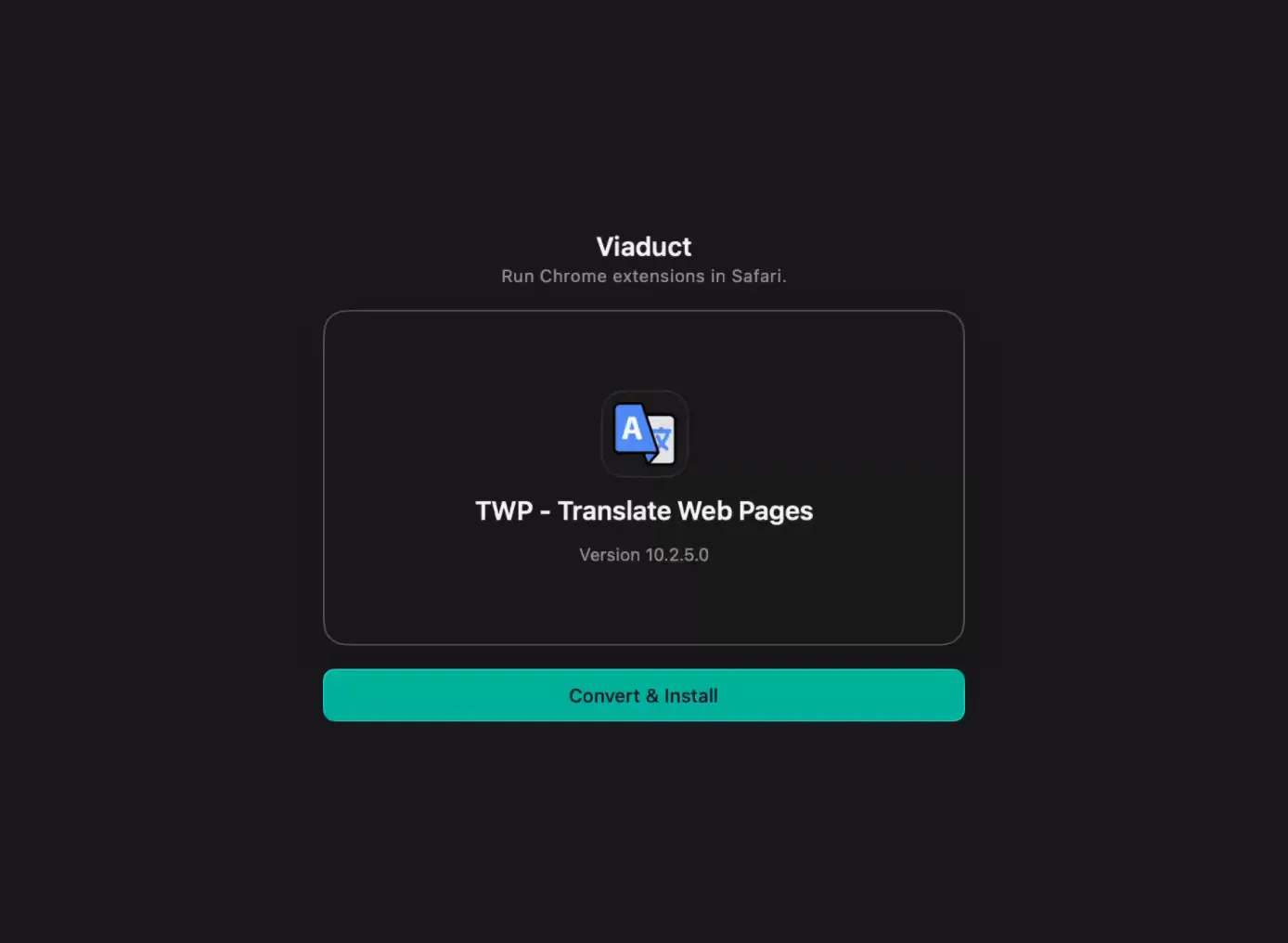
Choose File → Import from Chrome. It lists the extensions in Chrome, Brave, Edge, Arc, Vivaldi and Opera, profile by profile.
Tick the ones you want and click Convert. Their saved settings come along.
Switch them on. When the batch finishes, click Open Safari Settings.
What stays behind
Themes and Chrome apps aren't listed. An extension with an official Safari version starts unticked, with a link to that version. Some rely on Chrome features Safari doesn't have, like xBrowserSync, which can't reach Safari's bookmarks. The extension list shows the known limits.
Questions
What about bookmarks, history and passwords?
Safari imports those itself from File → Import From Browser → Google Chrome, as Apple describes.
Can I move them all on the free plan?
Two of them, kept for 7 days. Pro is $19 once and converts the rest, and the import list shows how many of your picks need it.
Moving to a new Mac too?
In Viaduct, Settings → Extensions → Move to another Mac exports everything you've converted as one file. Import it on the new Mac and Viaduct converts them again there.