Install a .crx file or unpacked extension in Safari on Mac
Safari can't open a .crx. Viaduct converts it into a Safari extension and installs it, and does the same for a .zip or an unpacked folder.
Install it
Get Viaduct and run its setup. It walks you through installing Xcode (free) and signing in to it with any Apple ID.
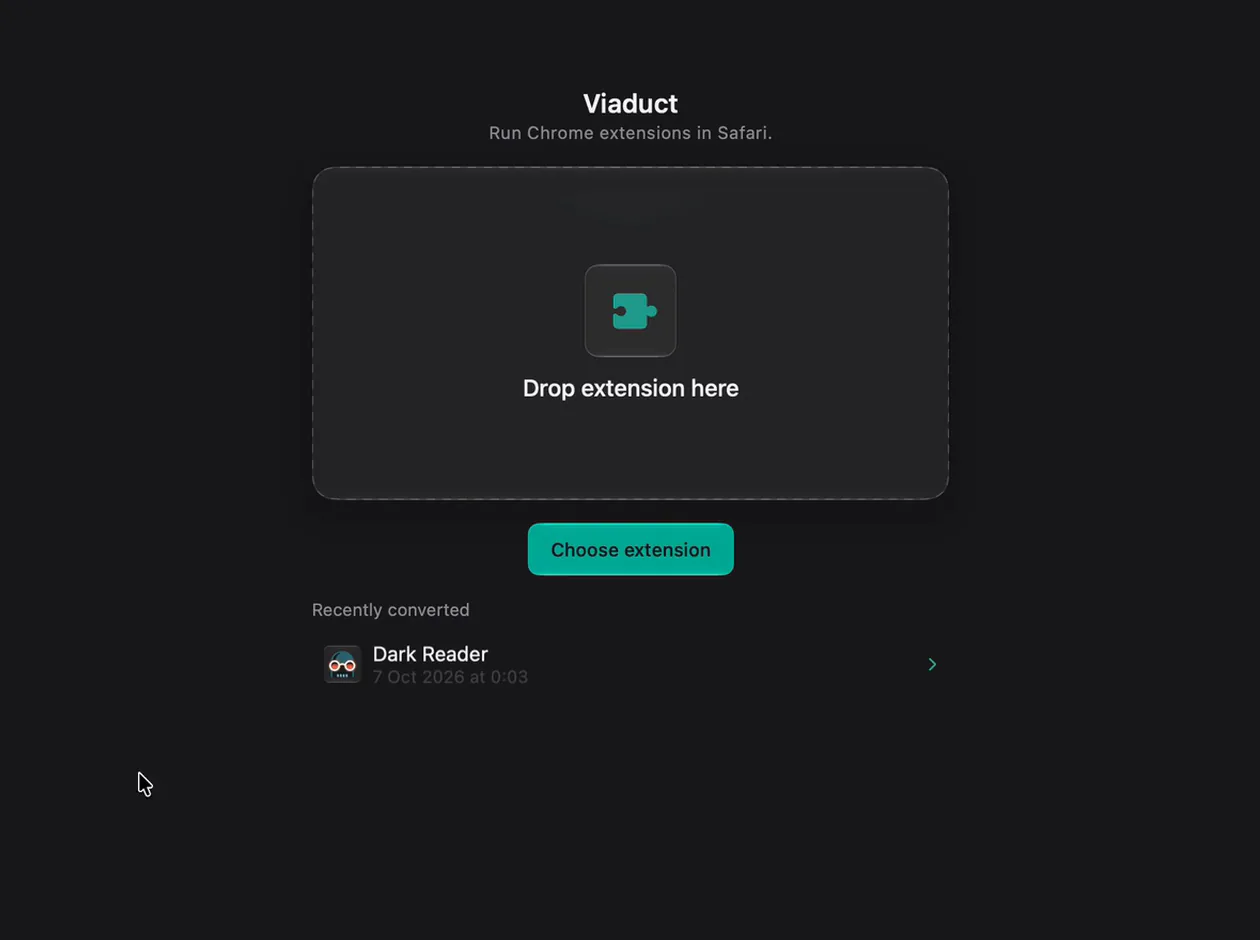
Drop the .crx, .zip or folder on Viaduct. Any folder with a
manifest.jsonin it works.Click Convert & Install. Building and signing takes a minute or two.
Switch it on in Safari → Settings → Extensions.
What a .crx is
It's how the Chrome Web Store ships an extension: a zip of its files with a signature header on the front. Safari only runs extensions packaged inside a Mac app that Xcode has built and signed, so a .crx has to be converted first.
From GitHub
Download the project's release .zip, or the repository from Code → Download ZIP, and drop that on Viaduct; it finds the manifest.json inside. If the repository only gets one once it's built, run its build steps first and drop the folder they produce.
Questions
Can Safari load it without converting?
Only to test it: with its developer features on, Settings → Developer → Add Temporary Extension loads a folder or .zip, and Safari removes it after 24 hours or when you quit.
Will it update itself?
No. A file has nothing to check for updates, so drop each new version on Viaduct. Extensions installed from the Chrome Web Store can update weekly with Pro.
What does Viaduct cost?
Two conversions are free, and Viaduct removes them after 7 days. Pro is $19 once: it converts as many as you like and keeps them installed.