An alternative to Apple's Safari extension converter
Apple's tool, now called safari-web-extension-packager, wraps an extension in an Xcode project. Building it, signing it and fixing what Safari runs differently is left to you.
Viaduct does all of it
Get Viaduct and run its setup. It walks you through installing Xcode (free) and signing in to it with any Apple ID.
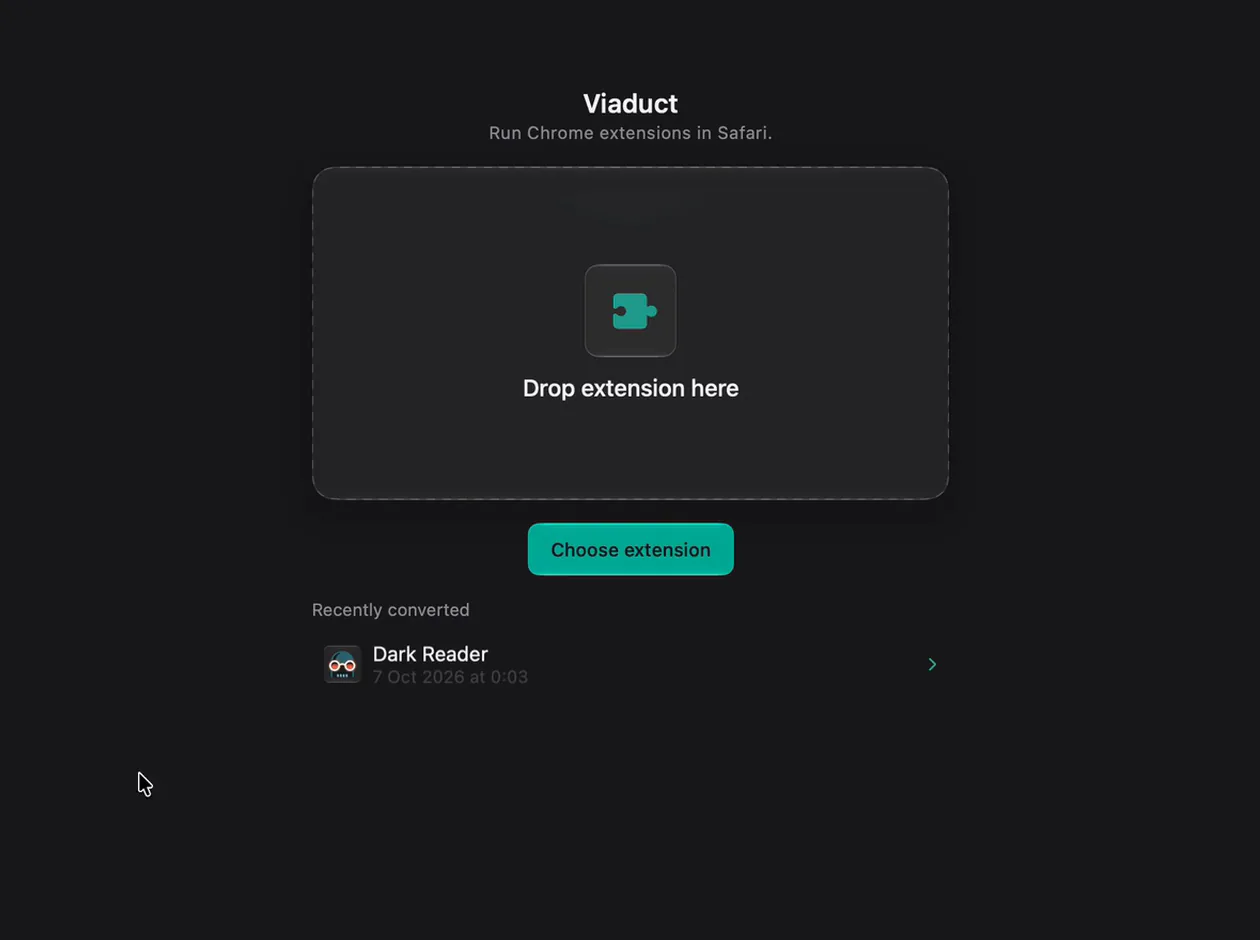
Drop the extension's folder on Viaduct. Or its .zip or .crx.
Click Convert & Install. Viaduct runs Apple's packager, patches what Safari handles differently, then builds and signs the app.
Switch it on. It's installed in Safari, with no Xcode project to keep.
What Apple's tool does
It comes with Xcode. Run it in Terminal on the extension's folder:
xcrun safari-web-extension-packager /path/to/extensionIt used to be called safari-web-extension-converter. It creates an Xcode project with a Mac or iOS app that installs the extension, and warns about manifest keys Safari doesn't support, as Apple's guide explains.
Side by side
| Step | Apple's packager | Viaduct |
|---|---|---|
| Building | You open the project and build it in Xcode | Builds it with Xcode in the background |
| Signing | You choose a team in Xcode | Signs with the Apple ID you added to Xcode |
| APIs Safari handles differently | Warns about manifest keys and leaves the code as it is | Patches them while the extension runs |
| Platforms | Mac and iOS | Mac only |
| Sharing it | Yes, with an Apple Developer Program membership | No, it builds for your own Mac |
Questions
Which one should I use?
To publish an extension for other people, Apple's packager and the Apple Developer Program. To run a Chrome extension in your own Safari without keeping an Xcode project, Viaduct.
Can I get the Xcode project?
No, Viaduct doesn't hand you one. Use Apple's packager when you want a project to edit.
Does it convert Manifest V2 extensions?
Yes, both V2 and V3.
What does Viaduct cost?
Two conversions are free, and Viaduct removes them after 7 days. Pro is $19 once: it converts as many as you like and keeps them installed.