Moving from Arc to Safari, extensions included
Arc stops working on December 22, 2026. Viaduct converts its extensions for Safari straight from your Arc profile, settings and all.
Bring its extensions over
Get Viaduct and run its setup. When it asks to read your browsers, click Allow Access.
Choose File → Import from Chrome. Arc is listed with each of its profiles.
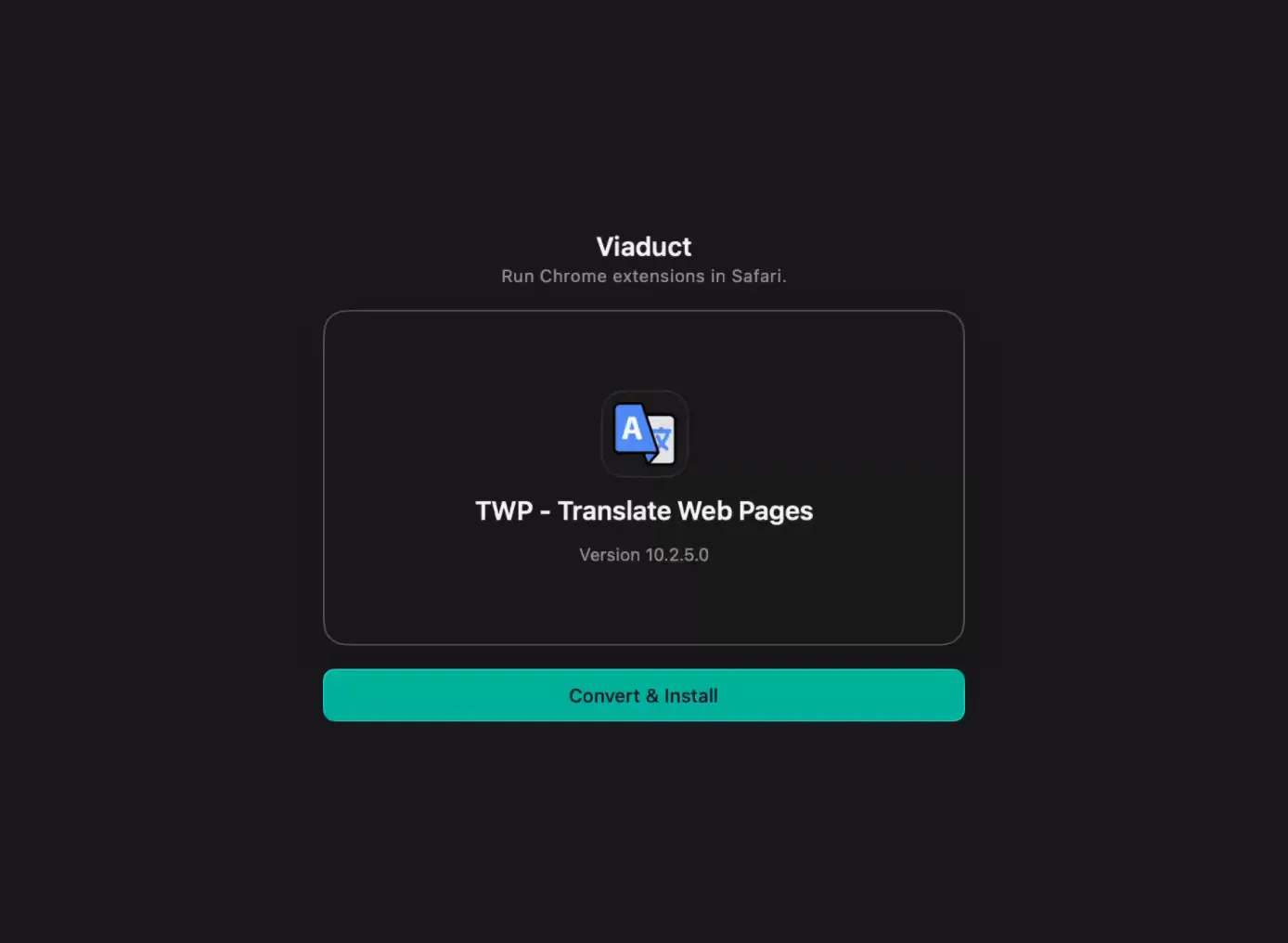
Tick the extensions and click Convert. The settings they saved in Arc come along.
Switch them on. When the batch finishes, click Open Safari Settings.
What's happening to Arc
The Browser Company announced on October 22, 2026 that Arc for Mac and Windows stops working on December 22, and it's pointing Arc users to Dia. Arc's own timeline has the dates for exporting your data.
Questions
Does Arc have to be open?
No. Viaduct reads Arc's profile folder on your Mac.
Will every Arc extension work in Safari?
Most will. Some rely on Chrome features Safari doesn't have, and the extension list shows the known ones.
What about bookmarks and passwords?
Safari imports those directly only from Chrome and Firefox. Viaduct moves extensions, not browsing data.
What does Viaduct cost?
Two conversions are free, and Viaduct removes them after 7 days. Pro is $19 once: it converts as many as you like and keeps them installed.