Convert any Chrome extension to Safari
Viaduct is a Mac app that converts a Chrome extension, builds and signs it with Xcode, and installs it in Safari.
Convert one
Get Viaduct and run its setup. It walks you through installing Xcode (free) and signing in to it with any Apple ID.
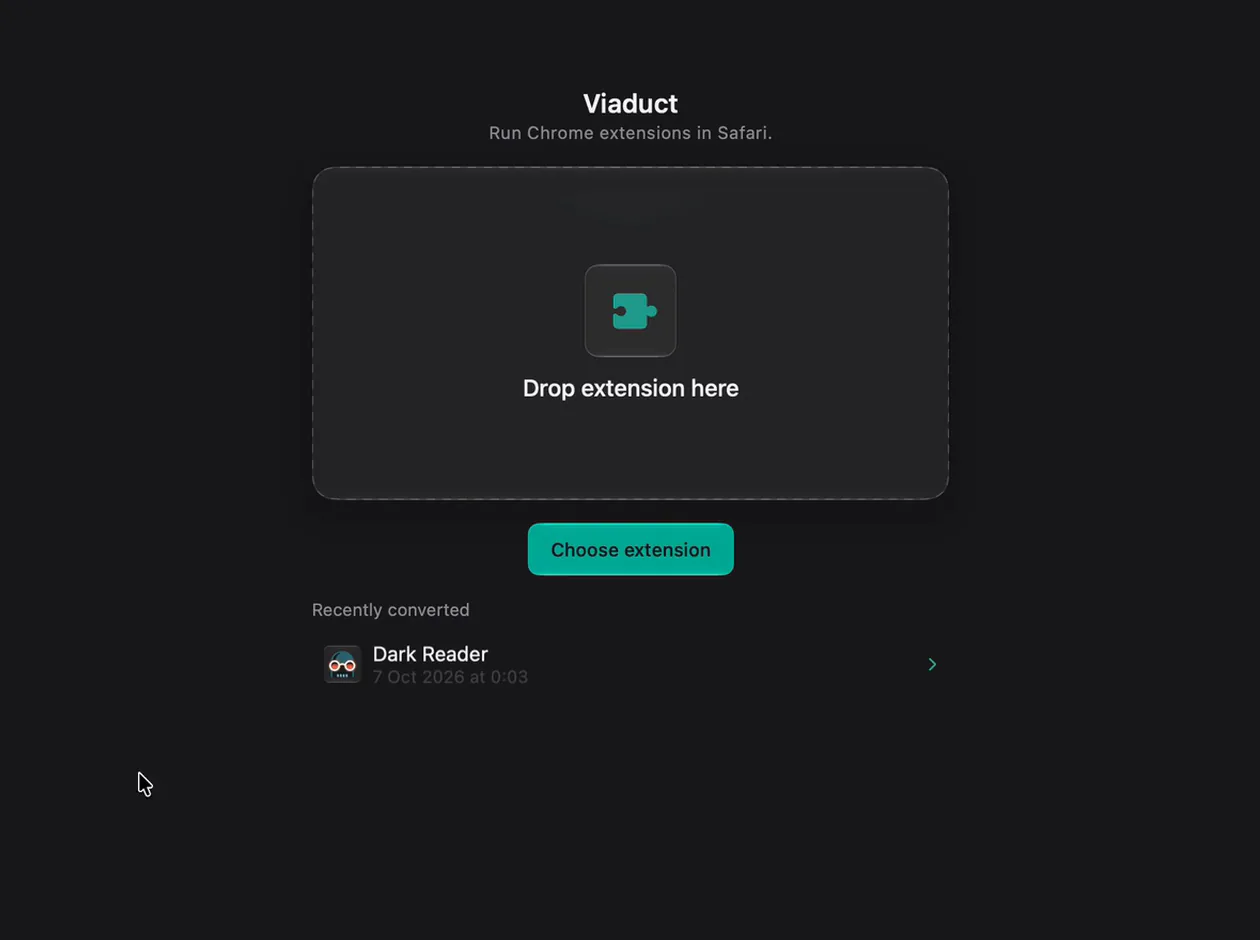
Drop the extension on Viaduct. A .zip, a .crx or an unpacked folder. Viaduct checks it before converting.
Click Convert & Install. Building and signing takes a minute or two.
Switch it on in Safari → Settings → Extensions.
Other ways in
From the Chrome Web Store it's one click: once Viaduct is set up, Add to Safari sits where Add to Chrome was. For the extensions you already use, Import from Chrome converts them in one batch.
What it fixes
Safari runs most of Chrome's extension APIs, but some behave differently. Viaduct patches the differences it knows about, which is why Dark Reader's popup buttons work after conversion. Features built on something Safari doesn't have still won't work: converted uBlock Origin hides ads but can't stop them loading.
Questions
Do I need Xcode?
Yes. Safari only runs extensions that Xcode has built and signed. Xcode is free, and Viaduct drives it for you, so you never build anything in it yourself.
Does Viaduct upload my extension anywhere?
No. It downloads from the Chrome Web Store when you install from there, and converts on your Mac.
What does Viaduct cost?
Two conversions are free, and Viaduct removes them after 7 days. Pro is $19 once: it converts as many as you like and keeps them installed.