Run Dark Reader in SafariRun Dark Reader in Firefox
Dark Reader has a paid Safari version. Viaduct runs the free Chrome one instead.Dark Reader has its own Firefox add-on. Viaduct converts the Chrome version when that's the one you want.
Install it
Get Viaduct and run its setup. It walks you through installing Xcode (free), signing in to it with any Apple ID and turning on the Add to Safari button.Get Viaduct and run its setup. Choose Firefox, and it asks for Full Disk Access and turns on the Add to Firefox button.
Open Dark Reader on the Chrome Web Store in Safari.Open Dark Reader on the Chrome Web Store in Firefox.
Click Add to Safari, then Convert Anyway. Viaduct first offers the official Safari version, then downloads, converts and signs it.Click Add to Firefox. Viaduct downloads and converts it.
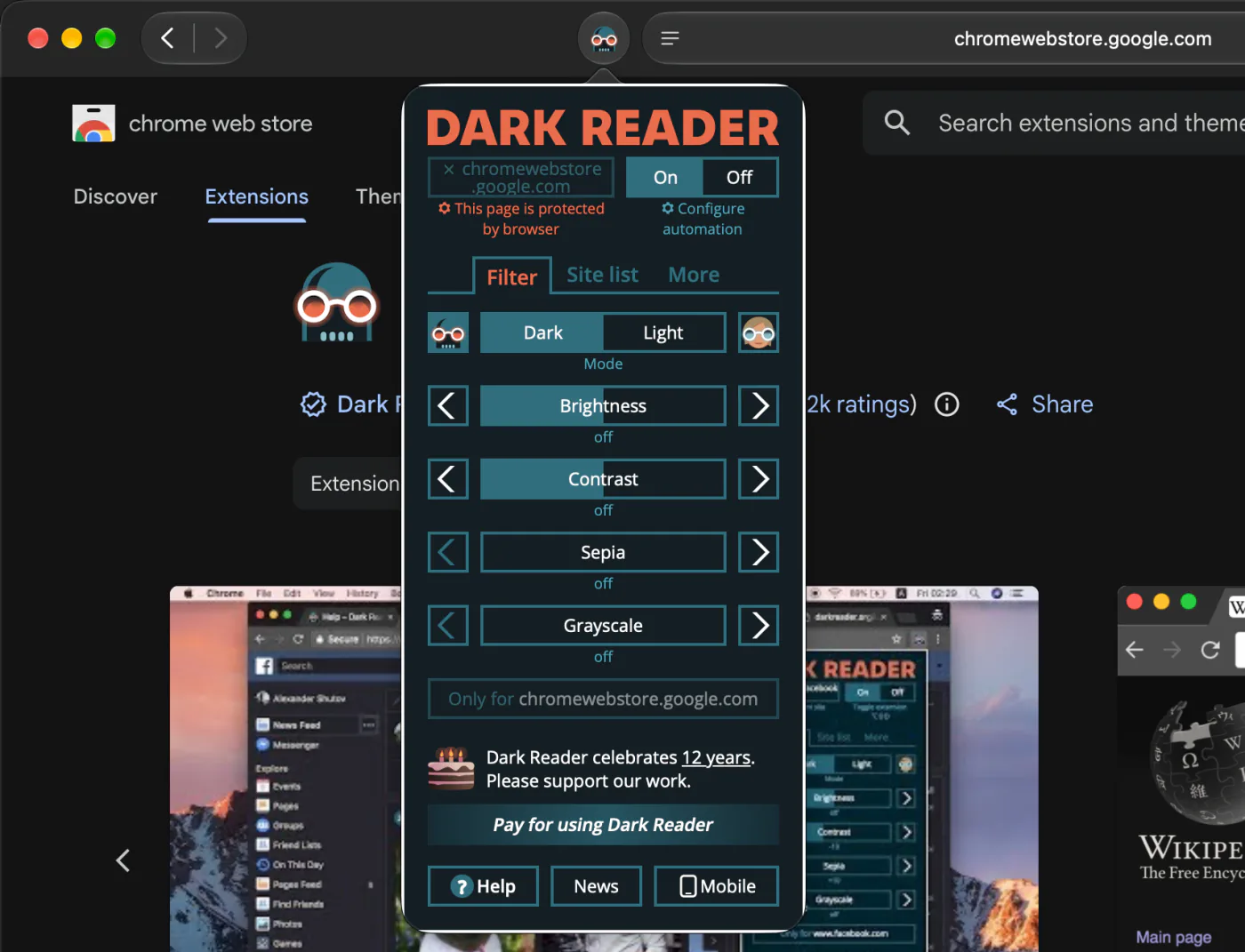
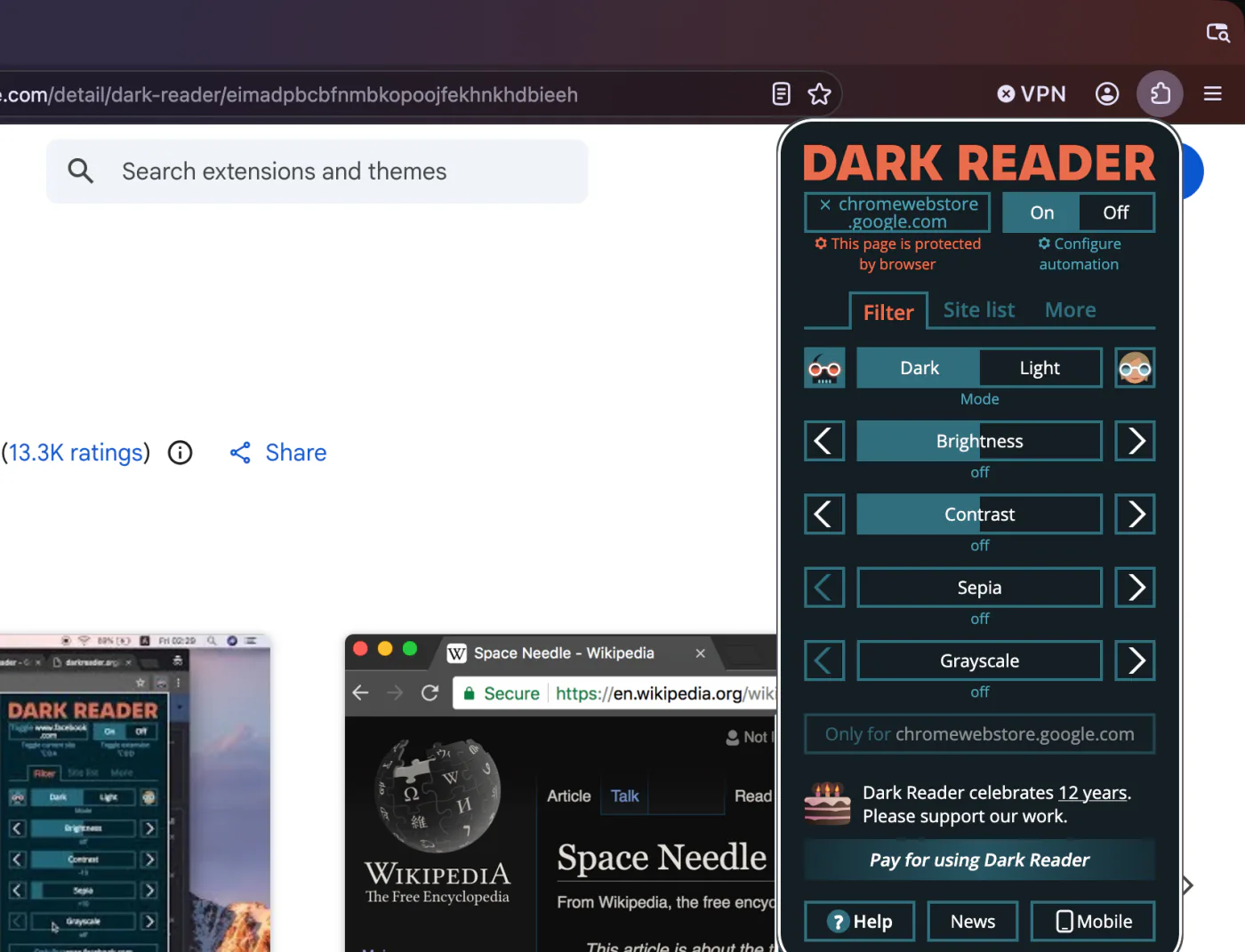
Switch it on in Safari → Settings → Extensions, and it's in your toolbar.It's under Firefox's Extensions button. There's nothing to switch on, and it stays after Firefox quits.
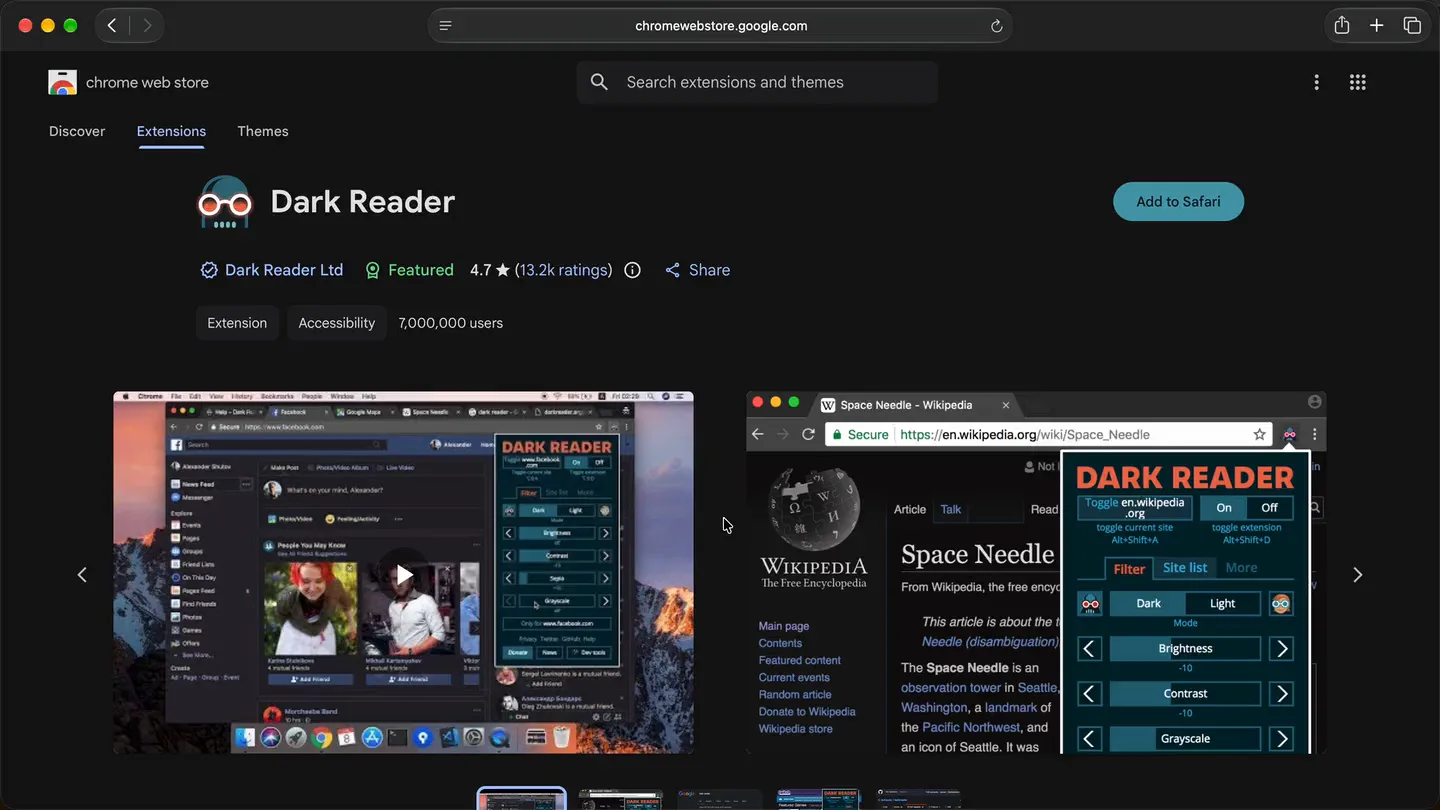
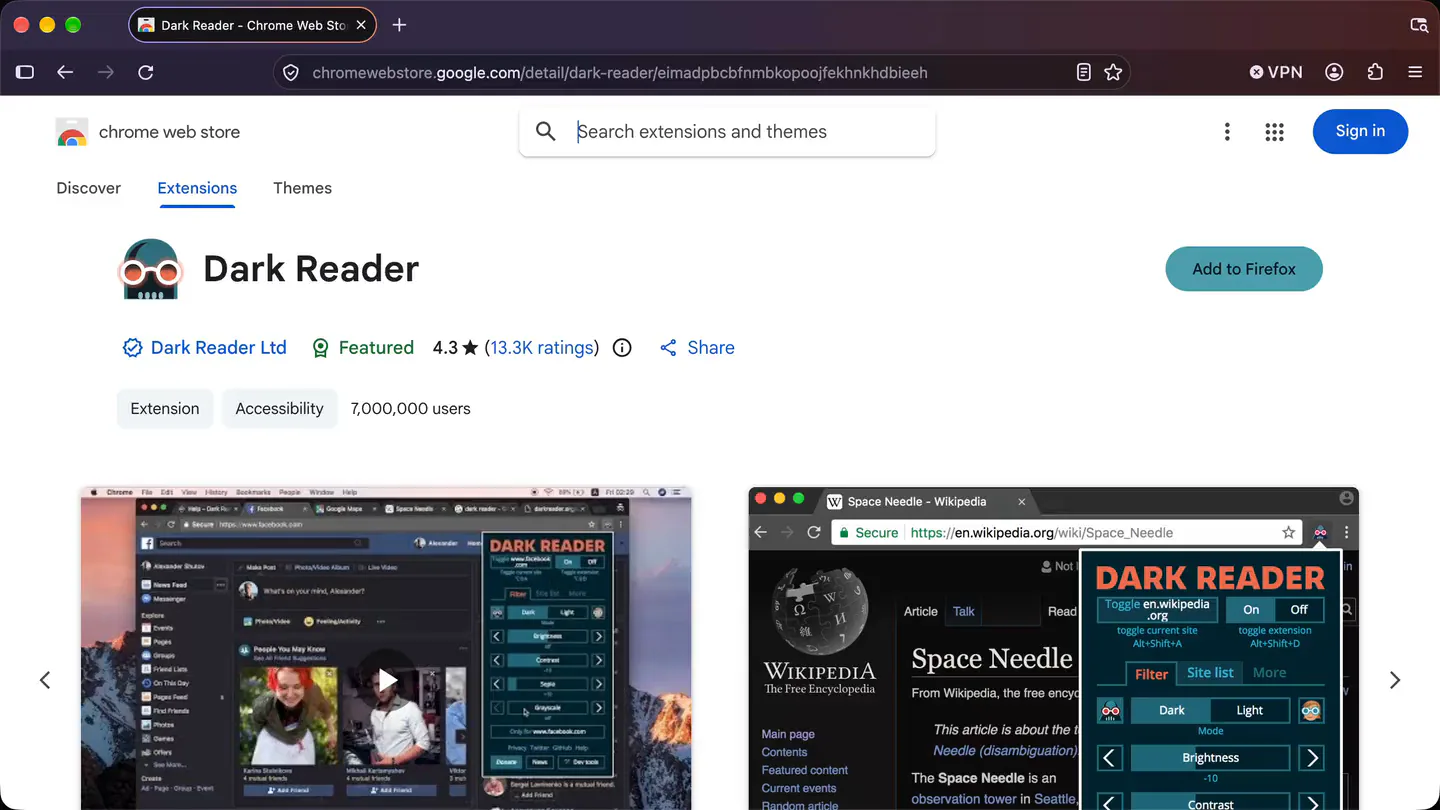
Dark Reader in Safari
Safari reports an extension's ID differently from Chrome, so Dark Reader's popup buttons go dead: their messages never reach the background. Viaduct rewrites the ID, and the popup works.
Dark Reader in Firefox
Questions
Does its developer make one for Safari?
Yes: Dark Reader for Safari (Mac App Store, paid). The Chrome version is free; buying the Safari one supports its developer.
Does its developer make one for Firefox?
Yes: Dark Reader for Firefox (addons.mozilla.org).
Does it stay after Firefox quits?
Yes. Firefox removes any add-on Mozilla didn't sign when it quits, so Viaduct loads yours again each time Firefox opens, with its settings. Viaduct has to stay on in Login Items for that.
Is it the real extension, or a clone?
The real one. Viaduct downloads the same package Chrome installs from the Web Store and adds fixes where SafariFirefox behaves differently.
Will it update itself?
With a license, yes. Turn on Update Chrome Web Store extensions weekly in Viaduct's settings, and it rebuilds the extension when the store has a new version.
What does Viaduct cost?
The first 2 conversions are free, and Viaduct removes them after 7 days. A Safari or Firefox license costs $19 once, converts as many as you like in that browser and keeps them installed. Mixed covers both for $29.