xBrowserSync in Safari: it opens, but can't sync bookmarksRun xBrowserSync in Firefox
Converted by Viaduct, it installs and opens, but it can't read or change your Safari bookmarks.xBrowserSync has its own Firefox add-on. Viaduct converts the Chrome version when that's the one you want.
Install it
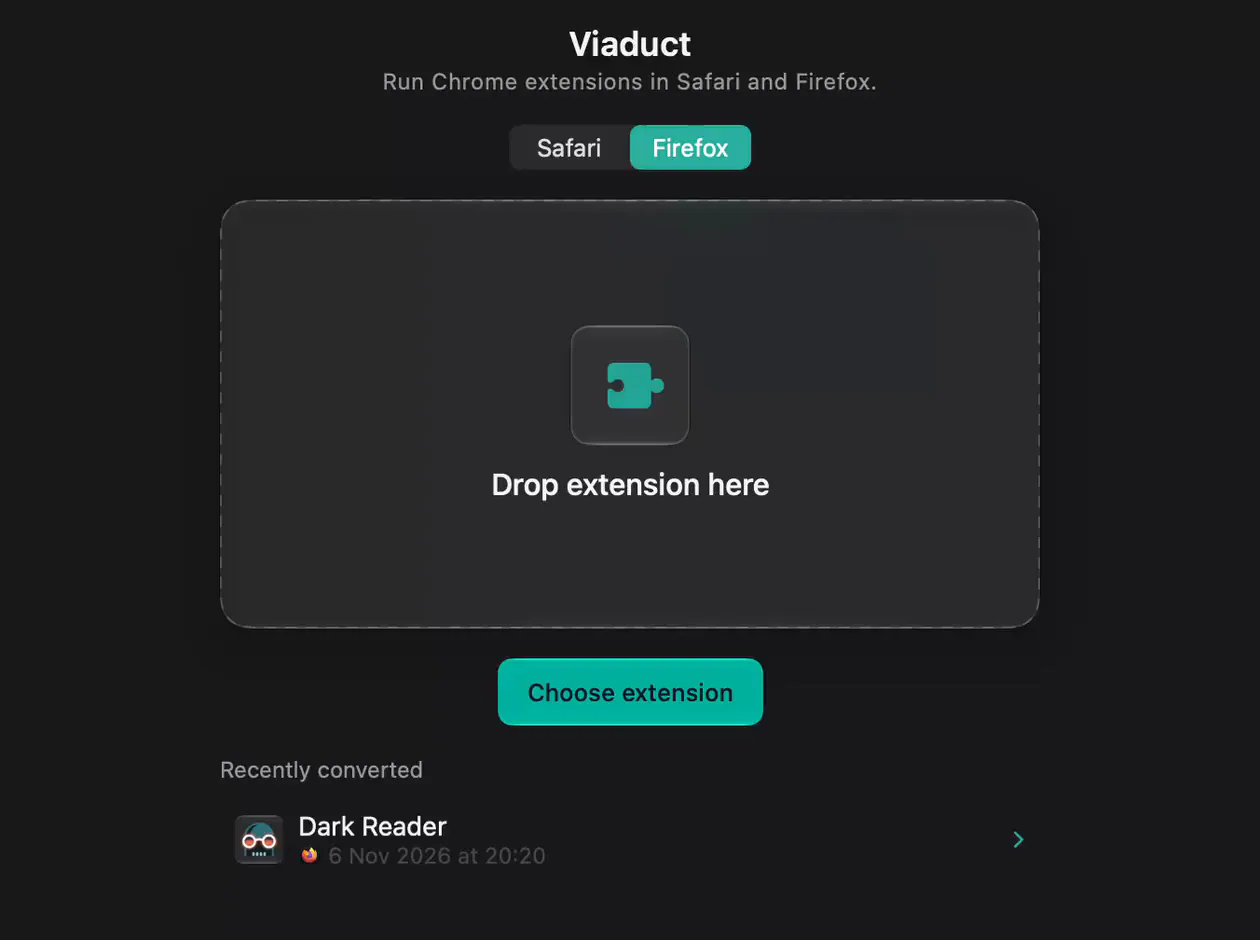
Get Viaduct and run its setup. It walks you through installing Xcode (free) and signing in to it with any Apple ID.Get Viaduct and run its setup. Choose Firefox, and it asks for Full Disk Access so it can reach your Firefox profile.
Download the .zip from xBrowserSync releases on GitHub. It's no longer on the Chrome Web Store.
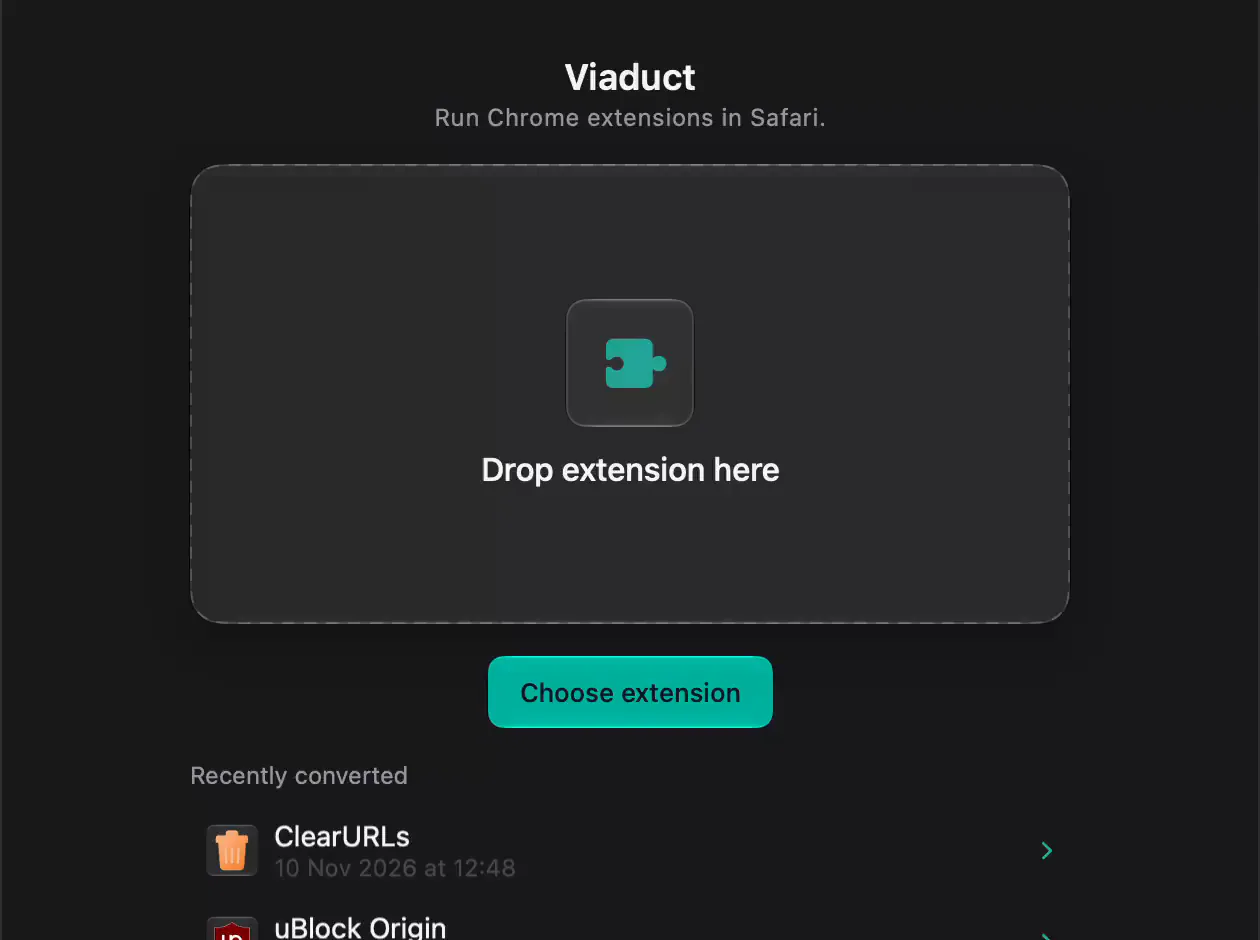
Drop the .zip on Viaduct and click Convert & Install. Building and signing takes a minute or two.Set Browser to Firefox, drop the .zip on Viaduct and click Convert & Install.
Switch it on in Safari → Settings → Extensions.It's under Firefox's Extensions button. There's nothing to switch on, and it stays after Firefox quits.
Questions
Does its developer make one for Firefox?
Yes: xBrowserSync for Firefox (addons.mozilla.org).
Why doesn't all of it work?
xBrowserSync syncs through the browser's bookmarks API, which Safari doesn't give extensions.
Does it stay after Firefox quits?
Yes. Firefox removes any add-on Mozilla didn't sign when it quits, so Viaduct loads yours again each time Firefox opens, with its settings. Viaduct has to stay on in Login Items for that.
Is it the real extension, or a clone?
The real one. Viaduct converts the package its developers publish and adds fixes where SafariFirefox behaves differently.
Will it update itself?
Not by itself. Viaduct's weekly update check only covers Chrome Web Store installs, so drop each new release on Viaduct yourself.
What does Viaduct cost?
The first 2 conversions are free, and Viaduct removes them after 7 days. A Safari or Firefox license costs $19 once, converts as many as you like in that browser and keeps them installed. Mixed covers both for $29.