Run Enhancer for YouTube in Safari
It has no Safari version. Viaduct converts the Chrome one into a Safari extension on your Mac.
Install it
Get Viaduct and run its setup. It walks you through installing Xcode (free), signing in to it with any Apple ID and turning on the Add to Safari button.
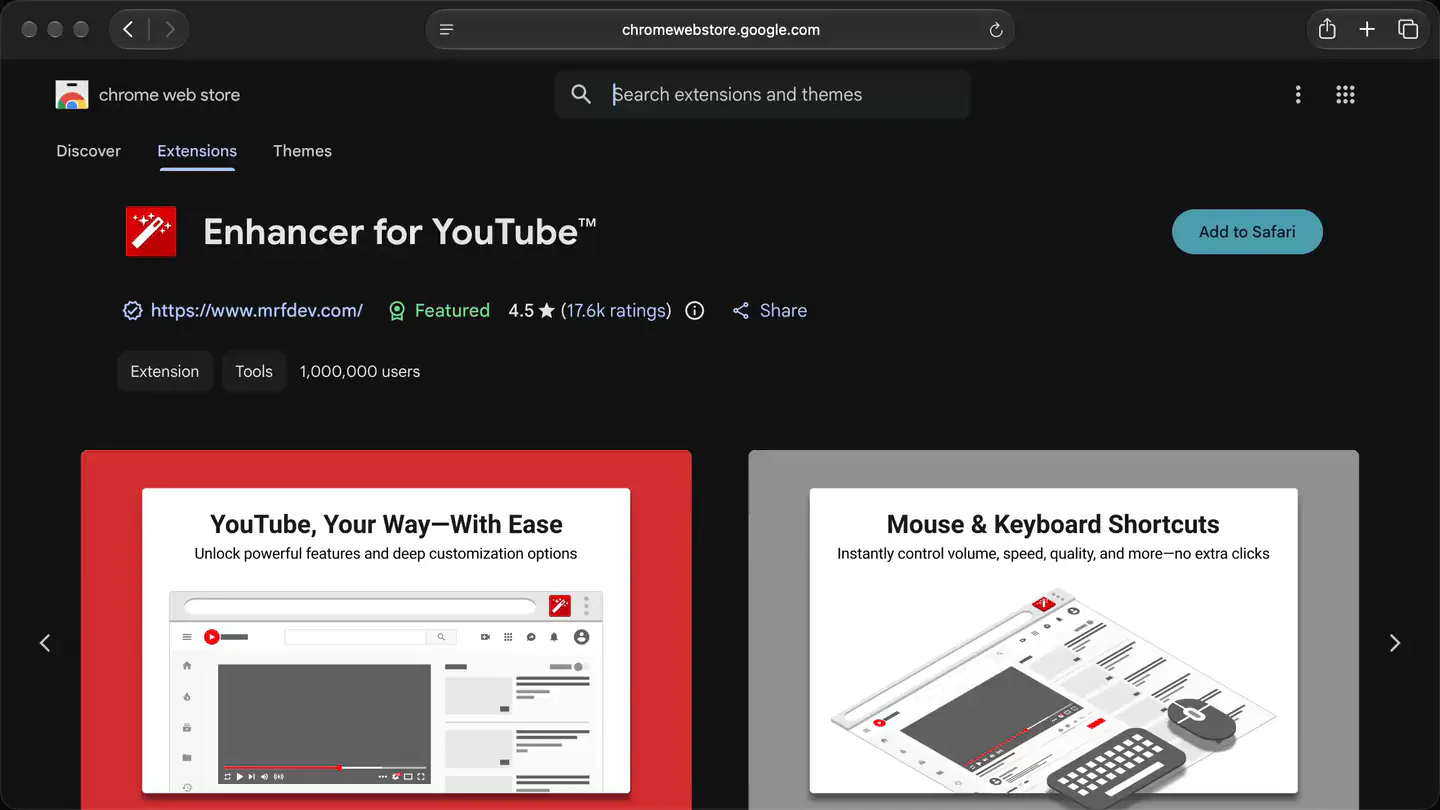
Open Enhancer for YouTube on the Chrome Web Store in Safari.
Click Add to Safari. Viaduct downloads, converts and signs it.
Switch it on in Safari → Settings → Extensions, and it's in your toolbar.
Questions
Is it the real extension, or a clone?
The real one. Viaduct downloads the same package Chrome installs from the Web Store and adds fixes where Safari behaves differently.
Will it update itself?
With Pro, yes. Turn on Update Chrome Web Store extensions weekly in Viaduct's settings, and it rebuilds the extension when the store has a new version.
What does Viaduct cost?
Two conversions are free, and Viaduct removes them after 7 days. Pro is $19 once: it converts as many as you like and keeps them installed.